











Soccabet offers several ways to access sports betting and casino games from your device. Many users in Tanzania prefer a dedicated application because it can make navigation easier on a small screen. This guide explains how to download and install the software on Android, what APK files are, and how to use the platform on other devices.
Whether you own an Android phone, an iPhone, or prefer using a computer, you can choose the access method that suits your device and internet connection. Check the website and your device settings before installing any file, and keep your account details private.
Soccabet App Overview
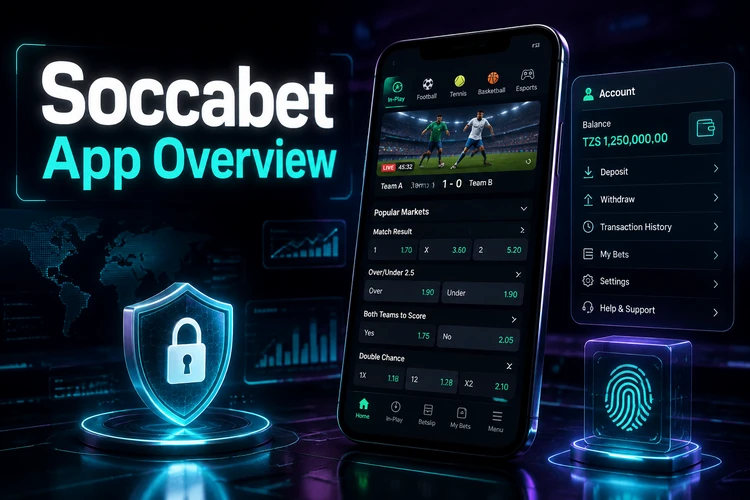
The Soccabet application brings the platform to a smartphone. Depending on the services available to your account and location, you may be able to view sports markets, place bets, access casino games, manage deposits and withdrawals, and review bet history. A mobile interface is arranged for touch controls, with larger buttons and menus than a traditional desktop layout.
Compatibility depends on the Android version, available storage, and the current requirements of the software. Before starting, leave enough free space for the download and installation files and use a stable connection. If the application does not work correctly, the browser version may be a practical alternative.
The app and mobile website may not behave exactly alike. An installed app can open from an icon and may support device notifications if that function is enabled, while a browser session does not require installation. Features can change, so rely on the controls currently shown on the official site rather than assuming that every device offers the same options.
How to Download the Soccabet App
To get the application on an Android device, open a browser and visit the official Soccabet website. Look for the current download link and confirm that the address is correct before tapping it. Avoid buttons on unrelated pages, shortened links, and files sent through unsolicited messages.
- Step 1: Connect to a reliable Wi-Fi or mobile-data network.
- Step 2: Open the official website and select its Android download option.
- Step 3: Wait for the file to finish downloading before opening it.
- Step 4: Review the installation request and continue only if the source is trusted.
Your phone may warn that the file comes from outside the Google Play Store. This is normal for a manual APK installation, but the warning should not be ignored. If the file name, source, or requested permissions look unusual, cancel the process and remove the file.
Download & Install on Android
Android may require permission before it can install an application downloaded through a browser. Open Settings and look under Security, Privacy, or Apps, depending on the phone model. Find Install Unknown Apps or a similarly named option, select the browser used for the download, and allow it only for this installation.
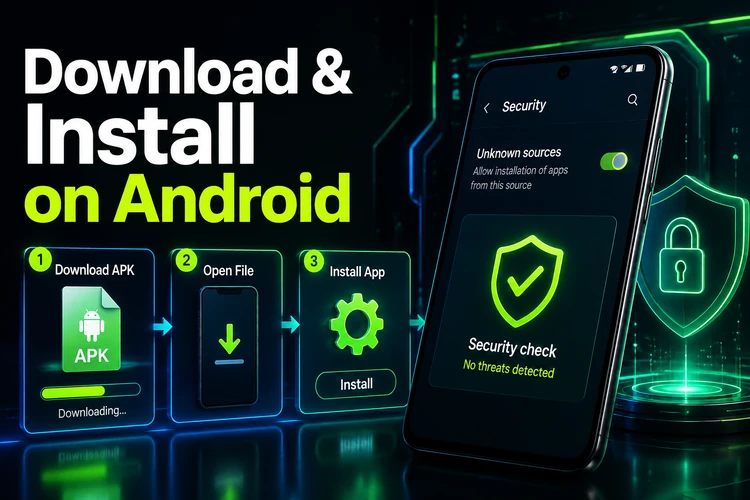
Return to the Downloads folder in your file manager and tap the APK. Read the prompt, choose Install, and wait for Android to complete the process. If installation fails, check storage space, confirm that the file finished downloading, and make sure the Android version meets the app's requirements.
When installation finishes, use Open or find the new icon in the app drawer. You can then log in with your existing account. Keep the permission for unknown app installations switched off again after setup unless you have a specific reason to use it.
APK Download & Installation
An APK is an Android Package file, the format Android uses to distribute and install applications. Downloading one from a website is a manual installation rather than an update through an app store. The file should come from a source you can verify, and its name should match the application you intended to download.
Before opening an APK, check the website address, the download page, and the permissions requested by Android. Do not use modified packages that promise extra functions, unrestricted access, or unusually large rewards. Such files can expose personal information or interfere with other applications.
For an update, return to the official download page and compare the information there with the version already installed. Installing a newer package over the existing one will often preserve the application data, but this is not guaranteed on every device. Make sure you remember your login details before updating and do not uninstall the current version unless the instructions require it.
Tanzania APK Versions
Users in Tanzania should select the version presented for their market and check that the available payment and account options suit their needs. Local services, supported currencies, and sports markets can depend on the account region and the current platform configuration, so confirm the details after logging in.
APK files can be convenient where an app is not listed in an app store, but convenience does not make every download safe. Avoid unofficial mirrors, social-media attachments, and files shared by unknown contacts. If the official page is unavailable or the download behaves unexpectedly, use the mobile website instead of taking a risk with an unverified package.
Download size and installation time vary by release and device. If mobile data is limited, use Wi-Fi where possible. Keep the phone's operating system and security tools updated, and remove an APK that triggers repeated warnings or requests access unrelated to its purpose.
Mobile Site, Lite & Classic Version
If you prefer not to install an app, visit soccabets-tz.com in a current browser. The mobile site needs no download and avoids changing installation permissions. It can be useful when you are using a shared phone, have limited storage, or want to access the account temporarily.
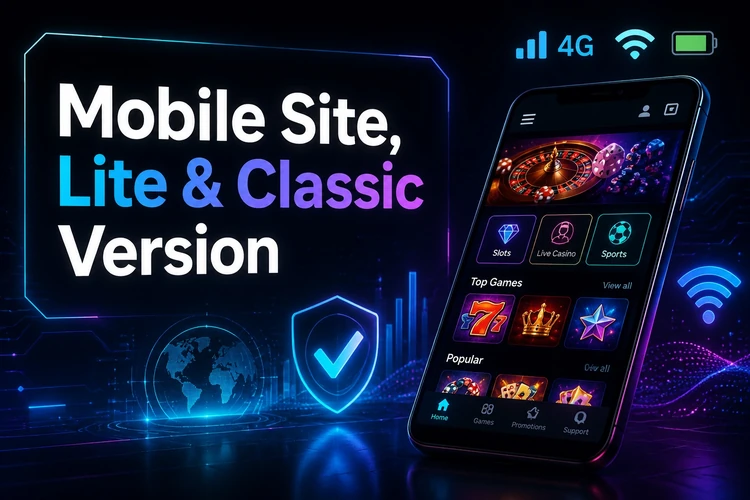
A Lite or low-bandwidth mode, when shown by the site, is intended for slower connections and devices that struggle with heavy images or animation. It may present fewer visual elements, so check the page carefully before confirming a bet or payment. Browser data-saving settings can also reduce loading time, although they may affect how some content appears.
The classic desktop layout can be requested from a browser menu, but it is less comfortable on a small phone. Buttons may be smaller and more information may appear at once. Clear browser cache or refresh the page if an old layout continues to load.
| Version | Installation | Speed | Data usage | Best suited to |
|---|---|---|---|---|
| Android app | APK download | Depends on device | Moderate | Regular Android use |
| Mobile website | None | Depends on connection | Moderate | Flexible access |
| Lite mode | None | Useful on slow connections | Lower | Limited data |
| Desktop site | None | Depends on browser | Higher | Larger screens |
Access on iPhone and desktop
Native iPhone or iPad availability should be checked on the official website because app-store support can change. If no verified iOS application is offered, use Safari or another current browser instead. Do not install an Android APK on an iPhone; the two file systems use different application formats.
On a computer, open the website in a current desktop browser. A larger screen can make it easier to review a bet slip, read event information, and move between account pages. Desktop access does not require a separate download, but use a private device and sign out when other people can access the computer.
Your account may be available across devices, but security still matters. Use a strong password, avoid saving it on shared machines, and check the recipient and amount carefully before confirming a deposit or withdrawal. If a page behaves strangely, close it and return through the official website.
FAQ
Open the official Soccabet website on an Android device and select the current download option. After the APK finishes downloading, allow your browser to install it if Android asks for permission, then open the file and tap Install.
Use the download page on the official Soccabet website. Check the release information shown there and avoid third-party pages that may provide an outdated or modified file.
Safety depends on the source and the file. Download only from a page you can verify, review Android's permission request, and avoid modified packages, unofficial mirrors, and files sent through unsolicited messages.
Check the official website for current iOS availability. If there is no verified iPhone app, access the platform through Safari or another current mobile browser instead of trying to install an Android APK.
Yes. Open the official website in a current desktop browser. No separate download is required, and the larger screen can make account pages, event information, and bet slips easier to review.
Lite mode is a lighter browser experience intended for slower connections or limited data. It may reduce images and animations, so some pages can look different from the standard mobile site.