











Soccabet is a betting platform available to customers in Tanzania, with football markets, live events, and other sports accessible through desktop and mobile interfaces. Before placing bets or managing funds, you need to create a personal account and complete the sign-in process. The login page is also the starting point for password recovery and other account checks.
Whether you use a computer, Android phone, iPhone, or the dedicated application, the basic credentials remain the same. This guide explains where to begin, what information to enter, how registration works, and what to check when access fails. It also covers practical steps for protecting your contact details, password, and transaction history.
Official Login Process
Open the official Soccabet website and select the sign-in option from the homepage. The form normally asks for the phone number or email address connected to your account and the password chosen during registration. Enter the details carefully, including the correct country code and letter case.
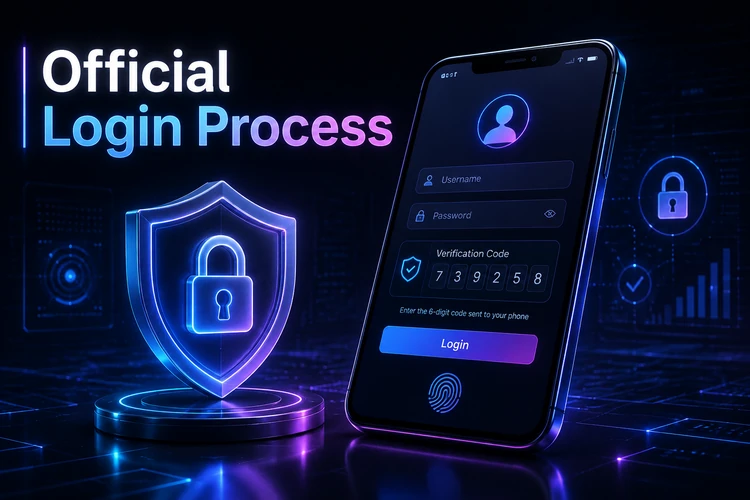
Submit the form only after checking the browser address and connection. If an additional security check is enabled, enter the one-time code sent to your registered phone. Do not forward that code to another person, even if they claim to be support staff. After successful authentication, review the dashboard to confirm that the displayed balance and recent activity belong to you.
If the button does not respond, refresh the page once and check your connection. Repeated attempts with an incorrect password can trigger a temporary security lock, so use recovery instead of guessing several times. Avoid signing in through links received in unsolicited messages.
Creating a New Account
New customers can start registration from the homepage. You will need an active Tanzanian phone number, accurate personal information, and a password that is not used on another service. The minimum age requirement is 18+. Use your own details because mismatched information can delay verification or create problems when requesting a withdrawal.
- Open the registration form and enter the requested personal and contact details.
- Create a long, unique password and check the form for typing errors.
- Submit the form and wait for the confirmation code sent by SMS.
- Enter the code to verify the phone number and activate the profile.
- Complete any further identity checks shown in the account area before making a withdrawal.
Keep your phone available during setup because contact verification may be required before the account can be used fully. A national ID or passport may be requested as part of an identity review. Do not upload documents through unofficial channels, and make sure images are clear without exposing unrelated personal information. Read any deposit, withdrawal, and account terms before adding funds.
Mobile Access
The mobile website adapts the login form and account dashboard to a smaller screen, so no separate installation is needed. Open the browser on your smartphone, enter the official web address manually or use a trusted bookmark, and select the sign-in option. Menus and buttons are arranged for touch use, while account settings, live markets, and transaction records remain available where supported.
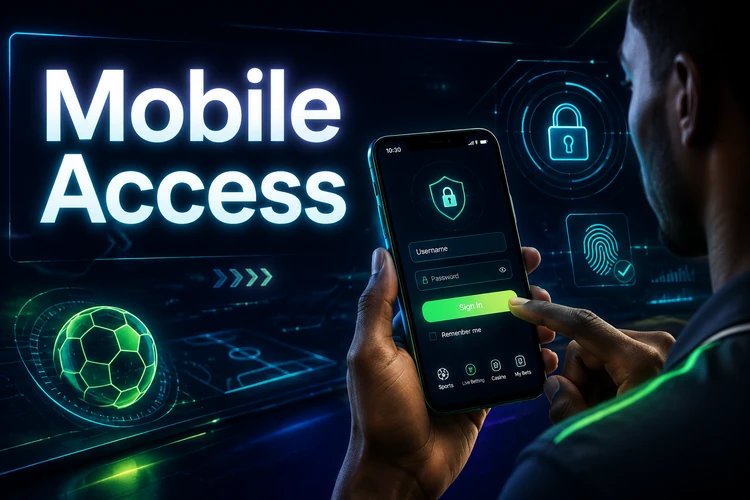
Use a current version of your browser and install system updates when they are available. A stable mobile connection reduces interruptions during authentication, but it does not replace safe account habits. Avoid saving the password on a shared phone, and lock the device with a PIN, fingerprint, or another available method. If the screen is difficult to read, increase the browser text size rather than using an unfamiliar mirror site.
Using the Application
The dedicated application can provide an interface designed for mobile use and may support notifications for account or live-event updates. Download it only from the official app page or a trusted store identified by the platform. Third-party installation files can be altered, so check the publisher and requested permissions before proceeding.
Open the application after installation and use the same phone number or email and password as on the website. An existing account does not require a second registration. If the app offers to remember the session, use that option only on a private device protected by a screen lock. Sign out and remove saved access if you lend the phone to someone else.
Review notification permissions and disable alerts that reveal account details on a locked screen. Keep the application and operating system updated, and do not use a rooted or jailbroken device for sensitive account activity. These precautions help reduce the risk of malicious software capturing credentials.
Password Recovery
When you forget the password, use the recovery link on the authentication page instead of repeatedly entering guesses. Provide the phone number or email associated with the profile and follow the instructions in the received message. Choose a new password that is difficult to predict and different from passwords used for email, banking, or social media.
If the message does not arrive, check the phone signal, email spam folder, and whether the contact detail was entered correctly. Requesting several codes in succession can make older codes invalid, so use the newest message. A lost phone number or inaccessible email may require customer support to confirm ownership before access can be restored.
For a locked account or an error that continues after recovery, contact customer support through the official channel. Explain the problem without sending your password, full payment details, or one-time codes. Support may ask for identifying information, but share only what is requested through the verified contact method.
Account Security Measures
Account security starts with a unique password and careful control of the device used for sign-in. Do not share credentials with friends, agents, or anyone promising to place bets on your behalf. A legitimate support representative should not need your password or a one-time authentication code.

Log out completely after using a public or shared computer. Public Wi-Fi is less suitable for account activity; if you must use it, avoid unfamiliar networks and confirm that the connection is encrypted. Never install browser extensions or applications that promise special access to the betting account.
Check login alerts, balance changes, and transaction history regularly. If you notice an unfamiliar session, change the password immediately, sign out of other devices if that option is available, and contact support. Keep the registered phone number current so verification messages and security alerts reach you. You can also review the responsible gambling tools if you want deposit limits or a break from betting.
Only deposit and withdraw through methods shown inside the verified account area. Do not send money to a personal number supplied in a social-media message. Before confirming a transaction, check the amount and destination, and retain confirmation messages until the transaction appears in your history. If you suspect fraud, stop further activity and report it promptly through the official support contact page.
Frequently Asked Questions
Open the registration form from the homepage, enter your accurate personal and contact details, and create a unique password. Confirm the phone number with the SMS code and complete any identity checks requested in the account area.
Use the official website or application, enter the phone number or email linked to the account, and provide the correct password. Complete any additional verification step before opening the dashboard.
Yes. The same credentials can be used on the website, mobile browser, and official application. Avoid saving access details on shared devices and sign out after each session.
Select the password recovery option on the login page and enter the registered phone number or email. Use the newest reset code received. If you no longer control that contact method, ask customer support about account verification.
Check the phone number, country code, password, keyboard layout, and internet connection. Do not keep guessing if several attempts have failed, because the account may be temporarily locked. Use recovery or contact support if the problem continues.
Use only the application source identified on the official app page or a trusted store. Check the publisher, keep the app updated, and protect the phone with a PIN or biometric lock. Never provide your password or one-time code to another person.
Use a long, unique password, keep your phone number current, and review account alerts and transaction history. Avoid suspicious links, shared devices, and unofficial payment requests. Contact support quickly if you see activity you do not recognize.